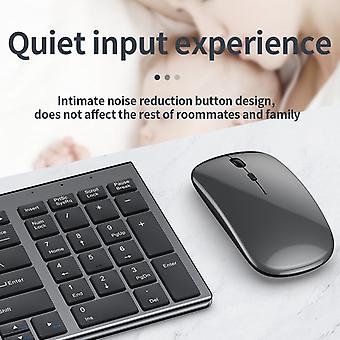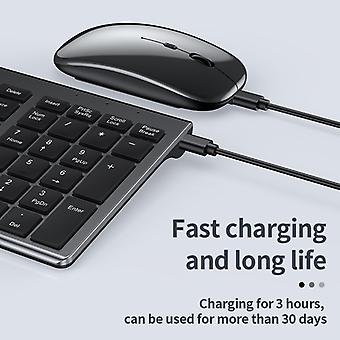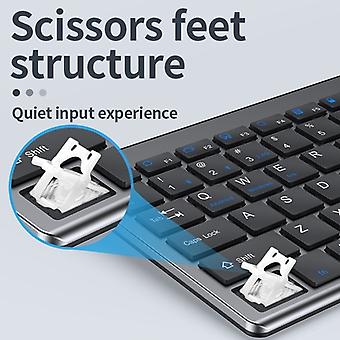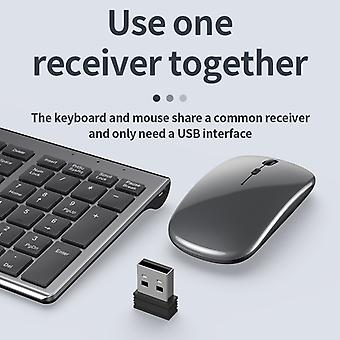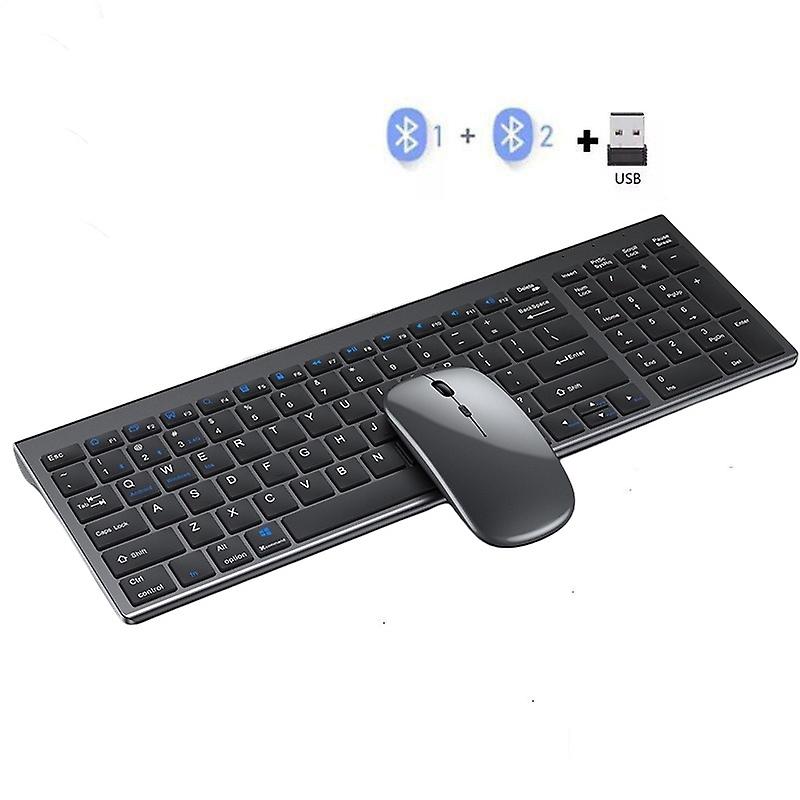
Wireless Keyboard and Mouse Combo Bluetooth Rechargeable Full Size Multi-Device Wireless Keyboard Set for Windows/Android

٣٬٢٩٩٫٠٠ E£
+ ٤٤٤٫٩٩ E£ الشحن

Wireless Keyboard and Mouse Combo Bluetooth Rechargeable Full Size Multi-Device Wireless Keyboard Set for Windows/Android

  • العلامة التجارية: Unbranded
البائع:

Wireless Keyboard and Mouse Combo Bluetooth Rechargeable Full Size Multi-Device Wireless Keyboard Set for Windows/Android

  • العلامة التجارية: Unbranded

٣٬٢٩٩٫٠٠ E£

متوفر حالياً
+ ٤٤٤٫٩٩ E£ الشحن

سياسة الإرجاع لمدة 14 يوما

البائع:

٣٬٢٩٩٫٠٠ E£

متوفر حالياً
+ ٤٤٤٫٩٩ E£ الشحن

سياسة الإرجاع لمدة 14 يوما

طرق الدفع:

الوصف

Wireless Keyboard and Mouse Combo Bluetooth Rechargeable Full Size Multi-Device Wireless Keyboard Set for Windows/Android

With Multimedia Function Keys:YesMouse Connection:WireLess Supports Human Engineering:Yes Applicable Object:For Home Office Package:Yes Optical Resolution:1600 DPI Keyboard Connection:WireLess Type:ERGONOMIC,Multimedia,Russian Version,SLIM,Standard,WireLess Products Status:STOCK Interface:bluetooth,USB Origin:Mainland China Certification:CE,RoHS,KC . USB2.4G connection: 1. Flip the power switch to ON to turn on the keyboard 2. Insert the USB into the computer, press and hold the button FN+~, the connection is successful . Bluetooth connection: 1. Flip the power switch to ON to turn on the keyboard 2. Turn on your device's Bluetooth to enter the search state (system settings - turn on Bluetooth - search and add) 2. Press and hold the key FN+1 or FN+2 or FN+3 on the keyboard, the light flashes, the device will display "O50 keyboard BT", you can click to connect successfully. . Multi-device connection: 1.FN+1: Connect to Bluetooth device 1 2.FN+2: connect to bluetooth device 2 3.FN+3: connect to bluetooth device 3 4.FN+~: connect to USB, 2.4G wireless reception 5. Press FN+1/2/3/~ alone to switch the paired devices 6.FN+1/2/3, press and hold for 3 seconds in combination: flashing light, can start the searched state (connect a new device) Additional instructions: 1. For the first connection, you need to switch the keyboard to the corresponding system 2. Failure to switch may cause the function keys to not be used normally! 3. The keyboard distance is 5-10 meters, and the language environment factors of different devices are related to the distance. troubleshooting: 1. When the keyboard cannot be searched, please try to turn on the bluetooth on the device to search again 2. When the keyboard is turned on and there is no indicator light, try to charge the keyboard. 3. After connecting to other devices, go back to the original device again, you need to delete the old record before you can connect 4. When the pairing fails, you need to delete the failed pairing record, and then perform the second pairing
  • هوية Fruugo: 290184191-647831237
  • EAN: 663503754070

التسليم والرد

يُرسل خلال ؜-١ أيام

  • STANDARD: ٤٤٤٫٩٩ E£ - التسليم بين الأربعاء 25 فبراير 2026 – الجمعة 06 مارس 2026

يُشحن من الصين.

نحن نبذل قصارى جهدنا لضمان أن تصلك المنتجات التي تطلبها بالكامل وطبقاً المواصفات التي حددتها. إلا أنه في حال تلقيك طلب غير كامل أو أغراض تختلف عن تلك التي طلبتها أو كان هناك سبب آخر يدعوك لعدم الرضاء عن الطلب، فيمكنك رد الطلب أو أي منتجات يتضمنها الطلب واسترداد ما دفعته من أجل تلك الأغراض بالكامل. عرض سياسة الرد الكاملة